Free digital templates
Free digital templates you can change before you download: calendars and planners, graph and lined paper, and invoices. Pick one, make it yours in a few clicks, and save a PDF or PNG.
No template matches that search. Try "calendar", "paper" or "invoice".
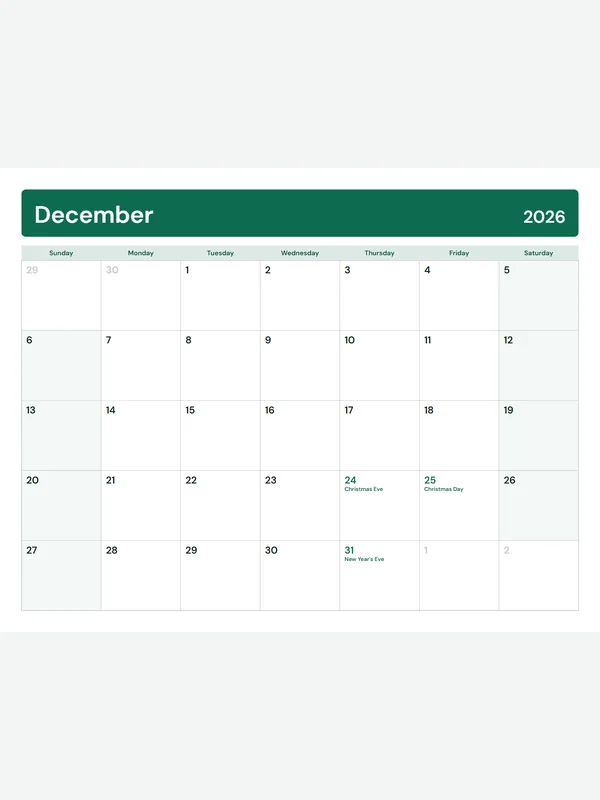 Monthly calendarAny month of 2026 or 2027, with holidaysEdit free PDF · PNG · Letter / A4
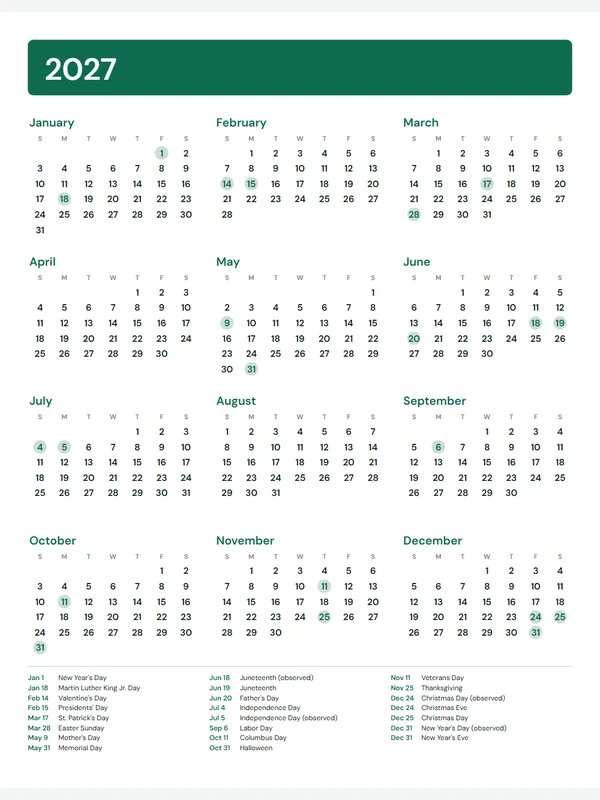 2027 calendar on one pageAll 12 months and the holidaysEdit free PDF · PNG · Letter / A4
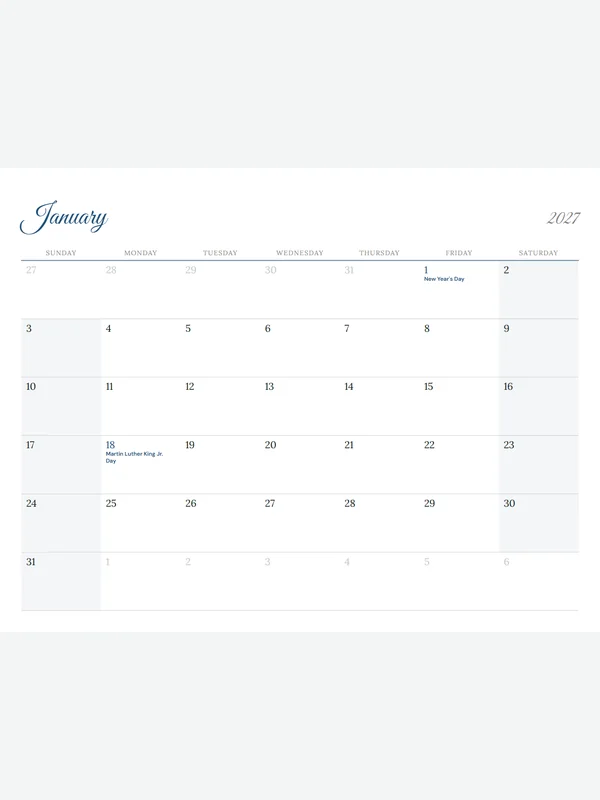 12-month calendar 2027Script titles, one month per pageEdit free PDF · PNG · Letter / A4
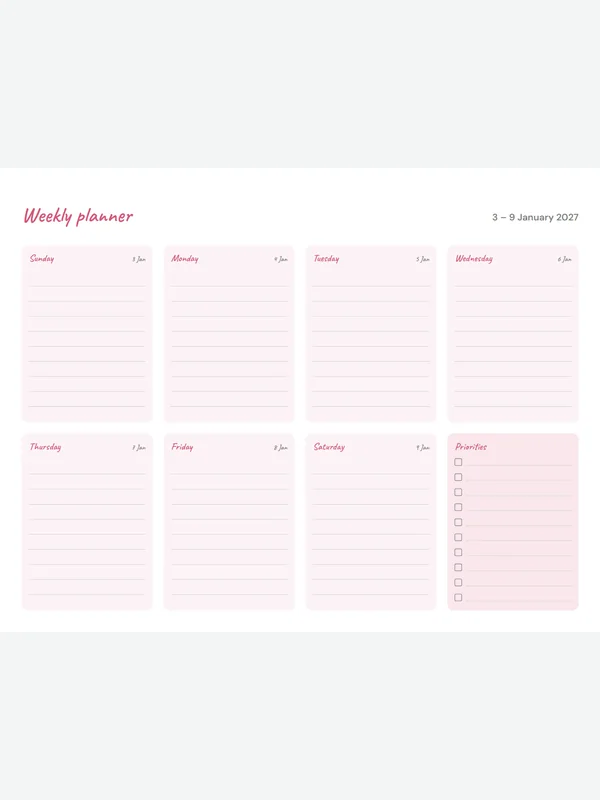 Weekly plannerHandwritten style, seven daysEdit free PDF · PNG · Letter / A4
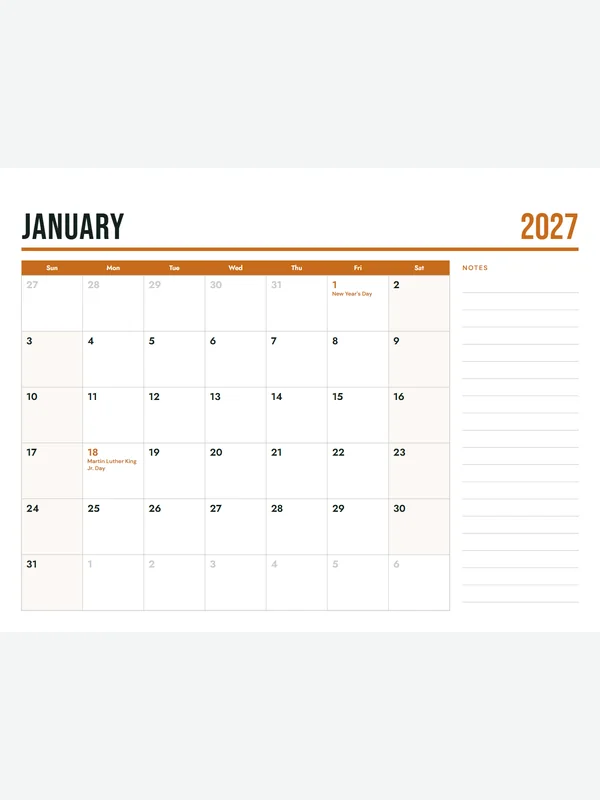 Family calendar with notesPoster title and a notes columnEdit free PDF · PNG · Letter / A4
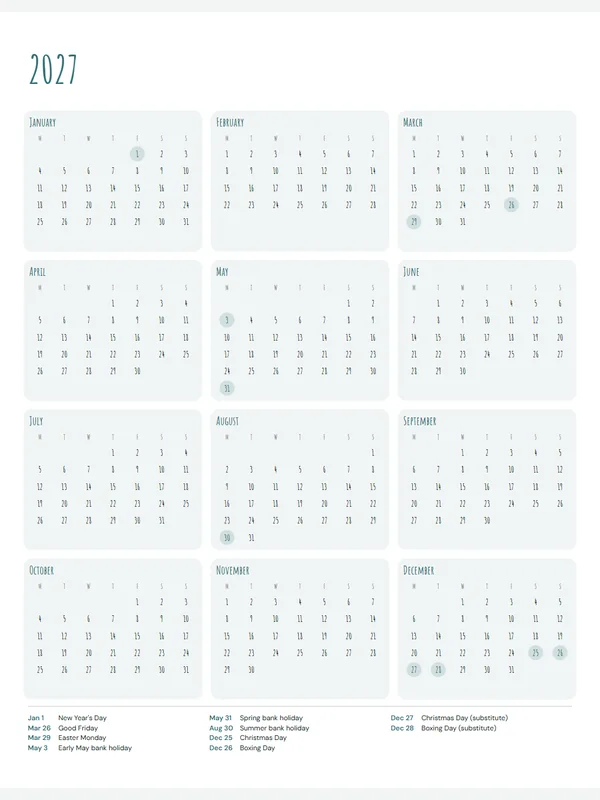 Minimal year plannerBoho lettering, Monday startEdit free PDF · PNG · Letter / A4
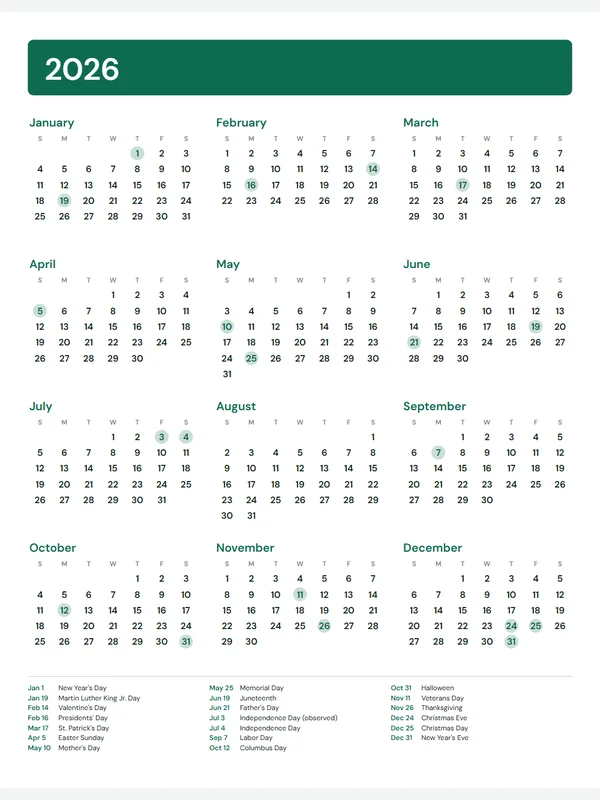 2026 calendar on one pageThe whole year, US holidays listedEdit free PDF · PNG · Letter / A4
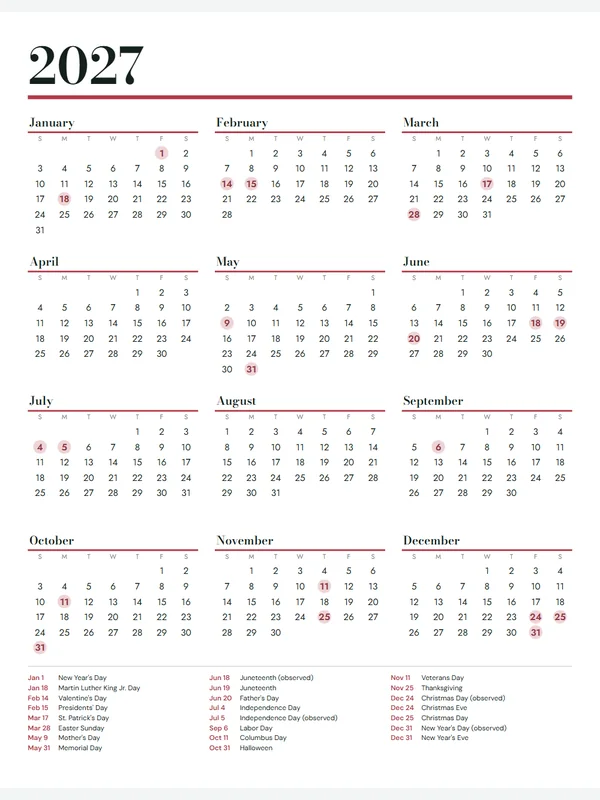 Bold year planner 2027Fashion serif, strong colourEdit free PDF · PNG · Letter / A4
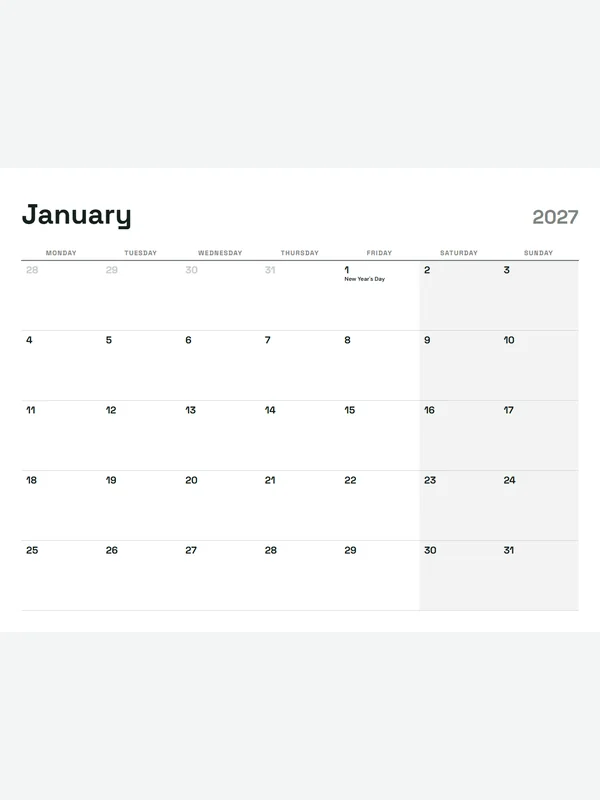 Monday-start monthly calendarUK bank holidays, minimal styleEdit free PDF · PNG · Letter / A4
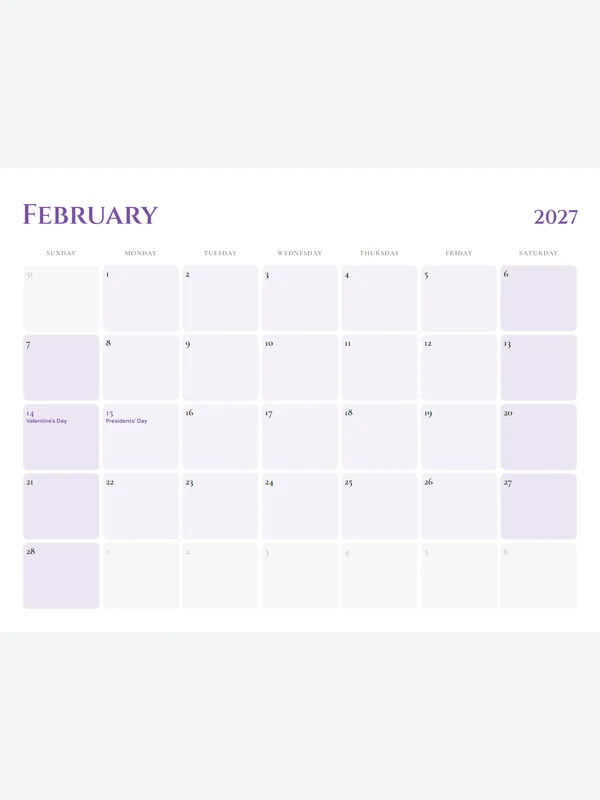 Elegant monthly calendarLuxury Cinzel title, soft boxesEdit free PDF · PNG · Letter / A4
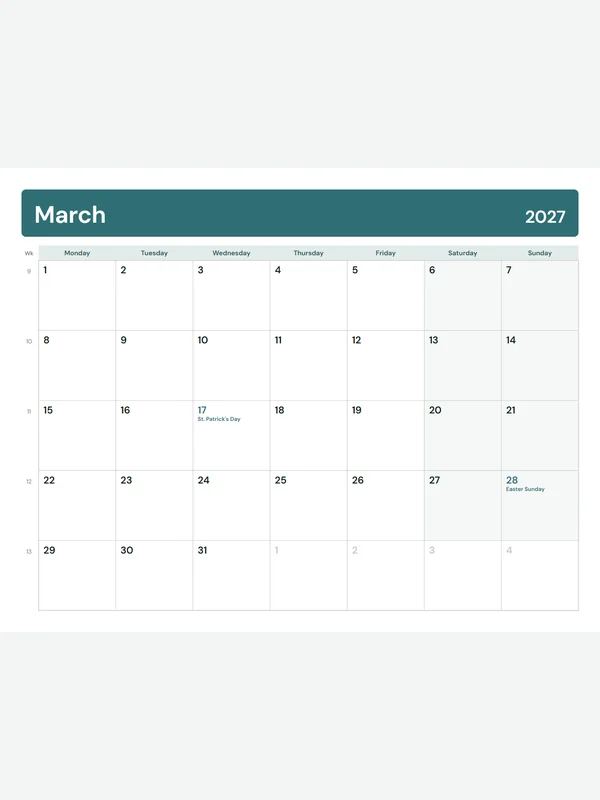 Calendar with week numbersISO weeks, Monday startEdit free PDF · PNG · Letter / A4
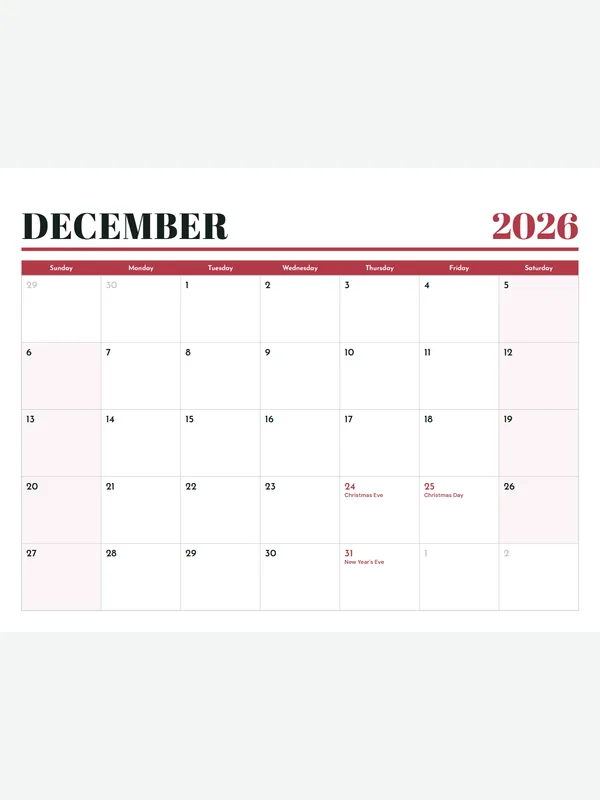 Holiday season calendarRetro type, December holidaysEdit free PDF · PNG · Letter / A4
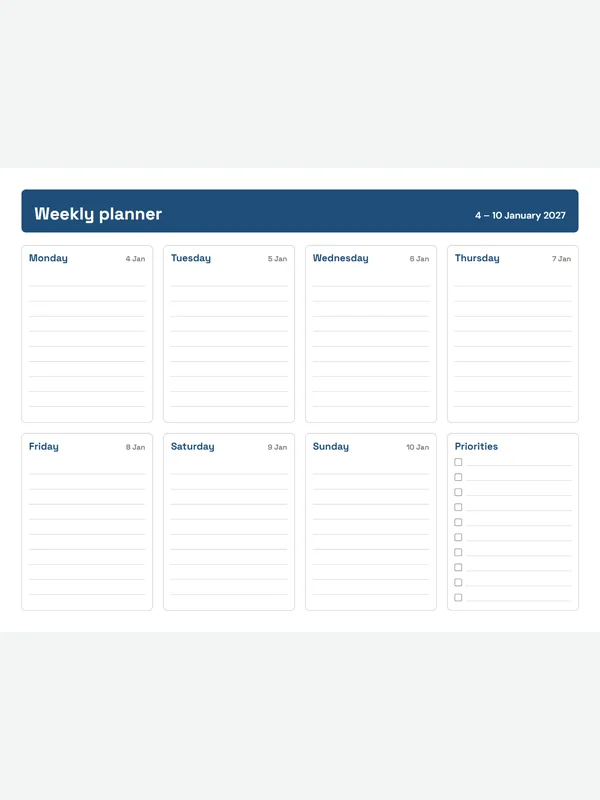 Monday weekly plannerA clean week, Monday to SundayEdit free PDF · PNG · Letter / A4
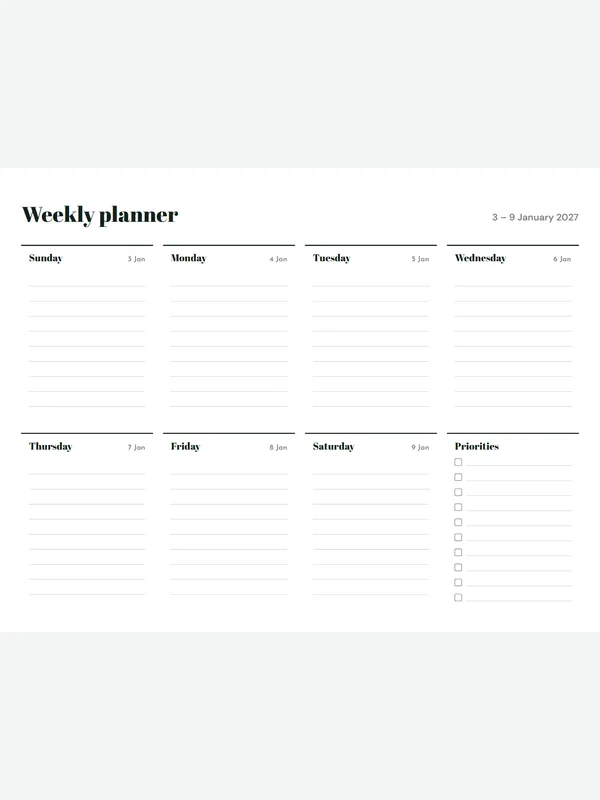 Minimal weekly plannerLines only, nothing extraEdit free PDF · PNG · Letter / A4
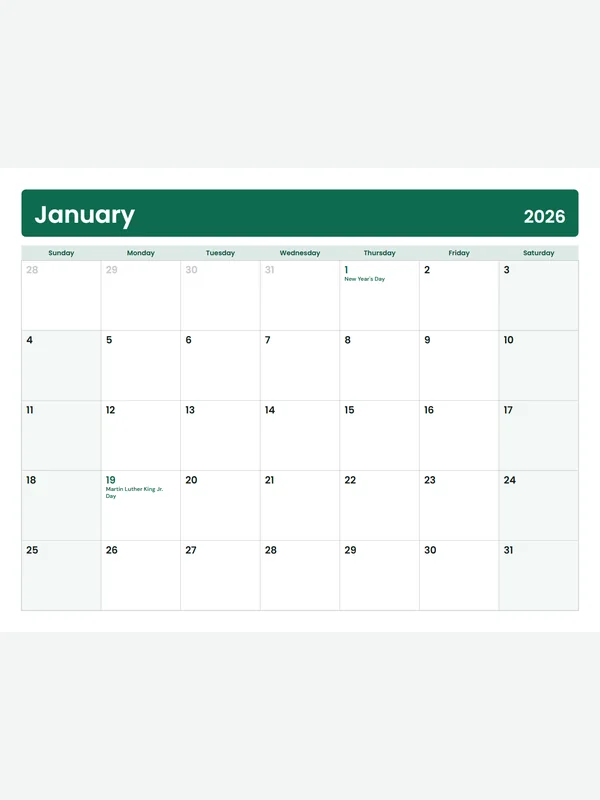 12-month calendar 2026Every month of 2026, 12 pagesEdit free PDF · PNG · Letter / A4
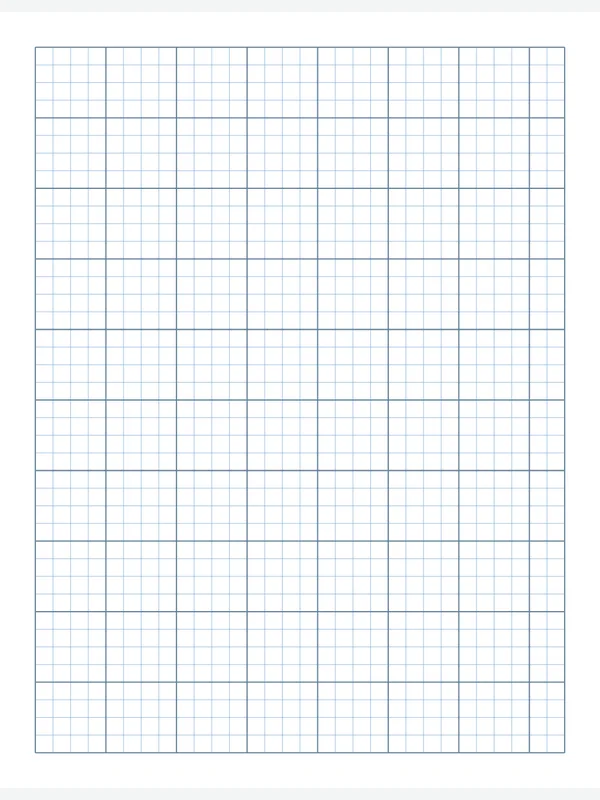 1/4 inch graph paperQuad ruled, bold line every inchEdit free PDF · PNG · Letter / A4
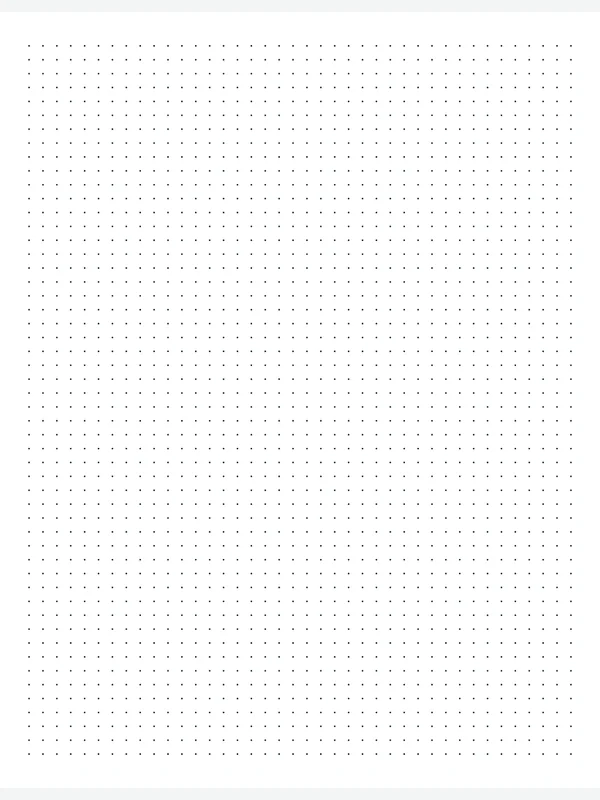 5 mm dot grid paperFor bullet journals and letteringEdit free PDF · PNG · Letter / A4
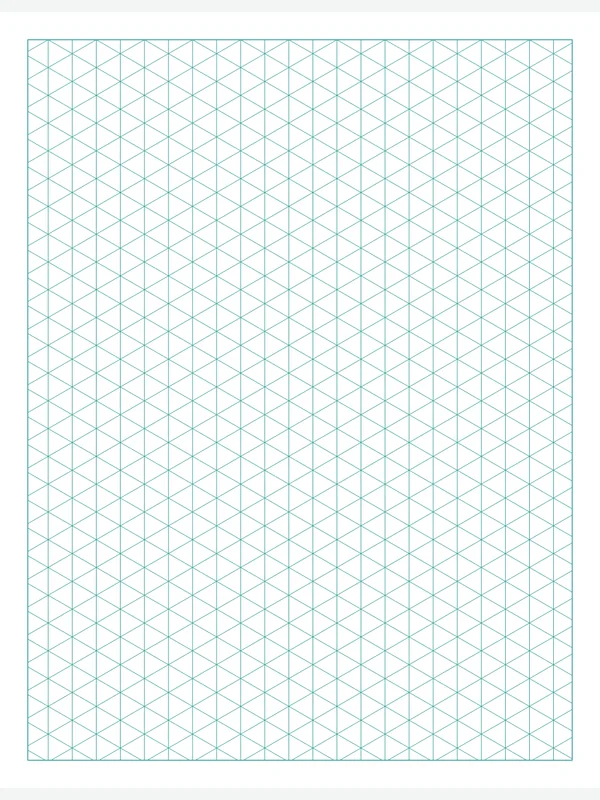 Isometric paperTriangles for 3D drawingsEdit free PDF · PNG · Letter / A4
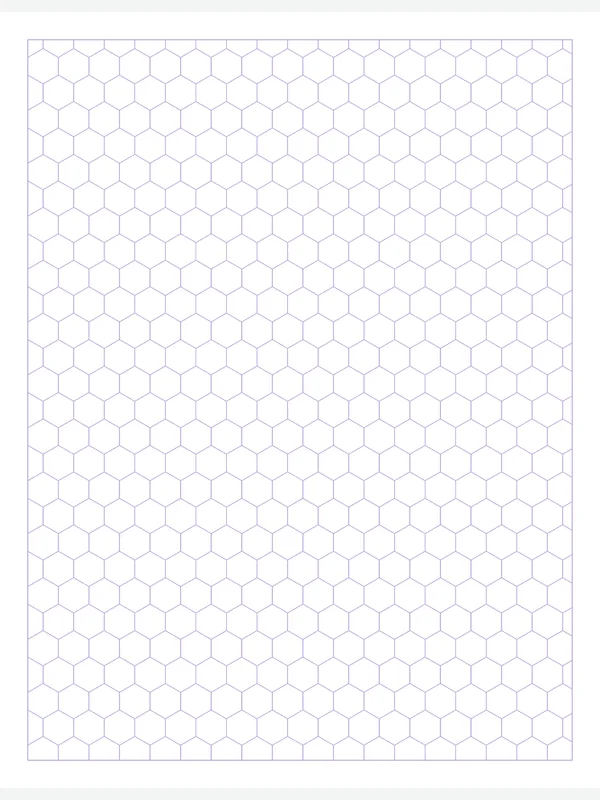 Hexagon paperGame maps, chemistry, quiltingEdit free PDF · PNG · Letter / A4
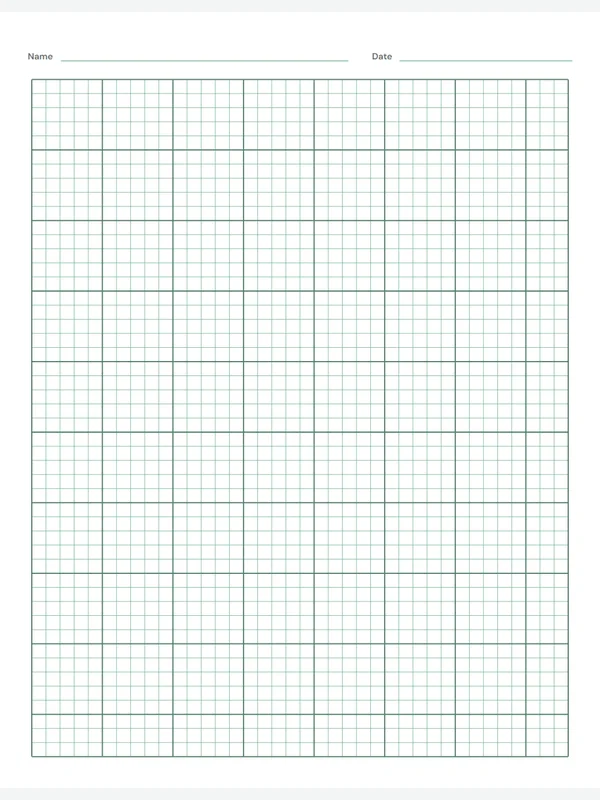 Engineering paper5 squares per inch, name lineEdit free PDF · PNG · Letter / A4
 College ruled paper9/32 inch lines and a marginEdit free PDF · PNG · Letter / A4
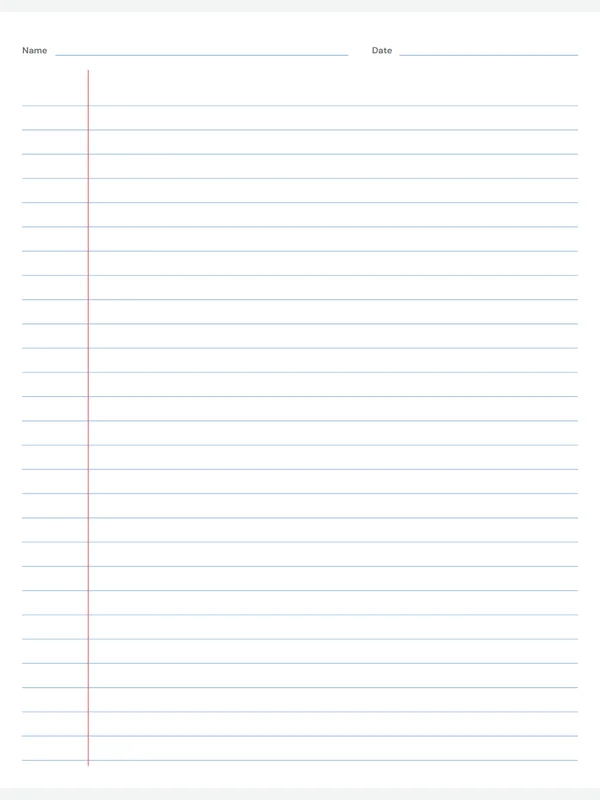 Wide ruled paper11/32 inch lines for big writingEdit free PDF · PNG · Letter / A4
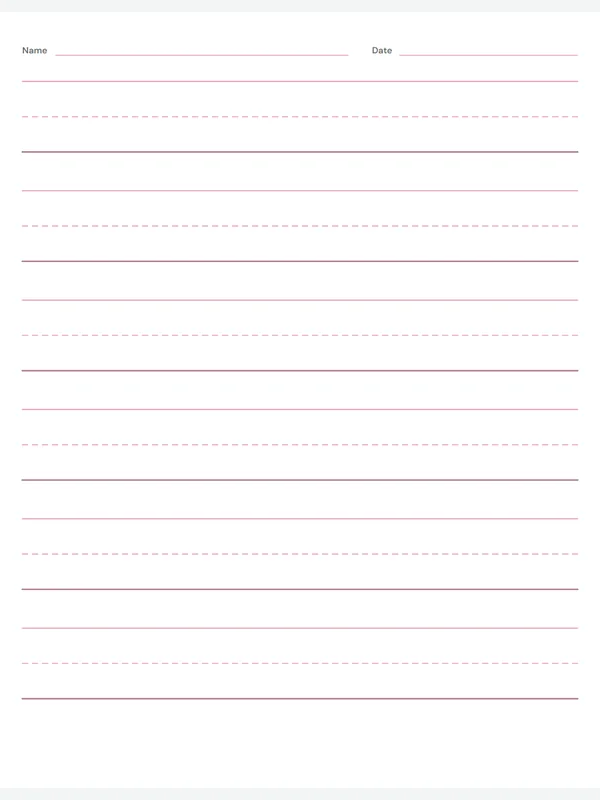 Handwriting paperDashed midlines for learning lettersEdit free PDF · PNG · Letter / A4
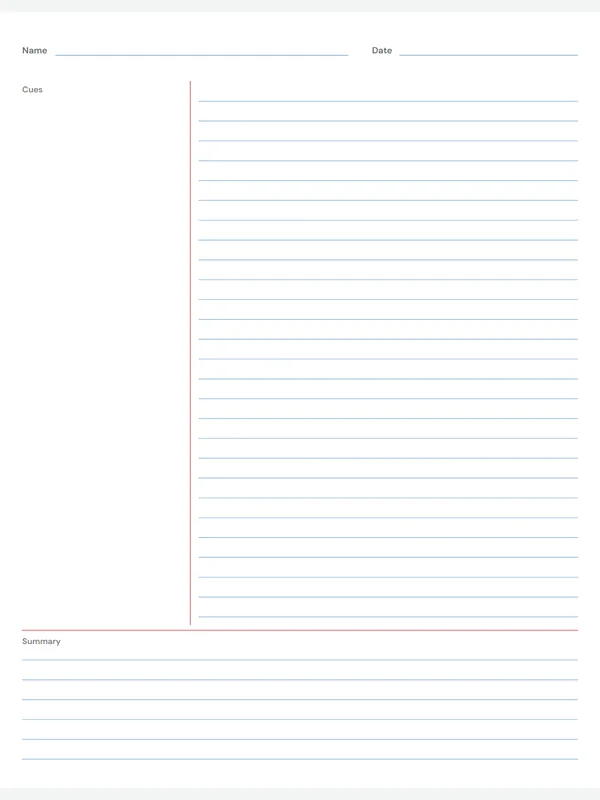 Cornell notes templateCues, notes and a summaryEdit free PDF · PNG · Letter / A4
 Dotted journal paperSoft dotted lines, no marginEdit free PDF · PNG · Letter / A4
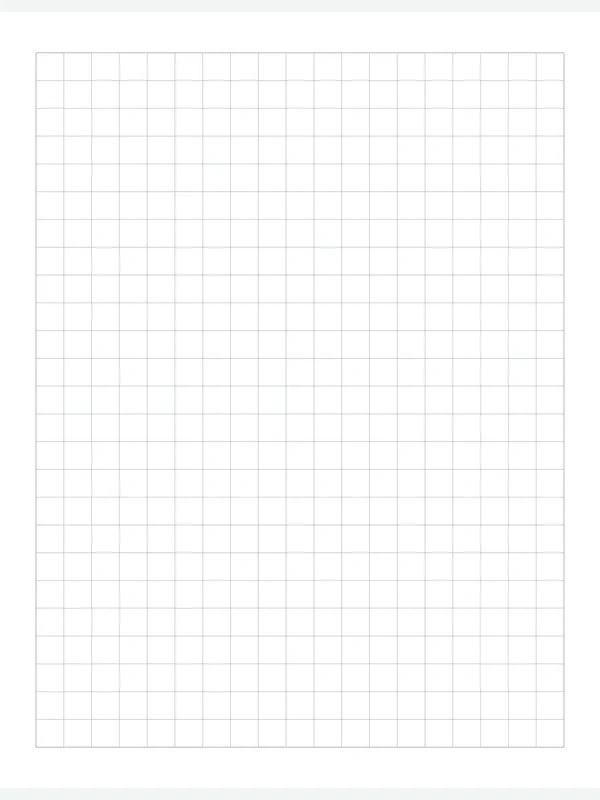 1 cm grid paperMetric squares for school mathsEdit free PDF · PNG · Letter / A4
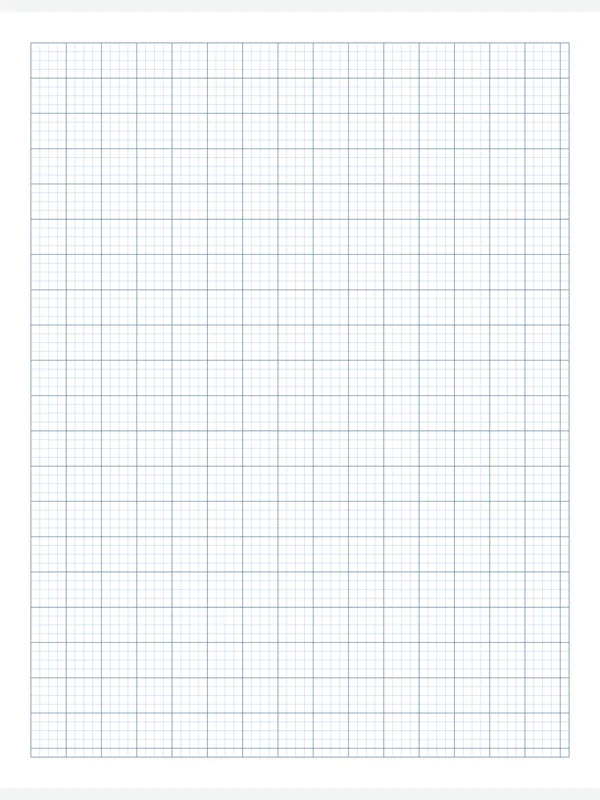 1/8 inch graph paperFine grid, bold line every 1/2 inchEdit free PDF · PNG · Letter / A4
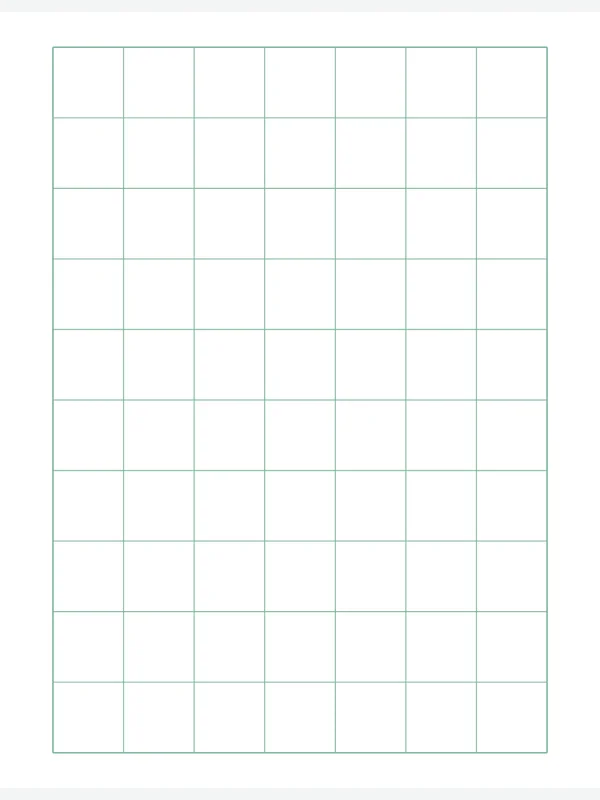 1 inch grid paperBig squares for young childrenEdit free PDF · PNG · Letter / A4
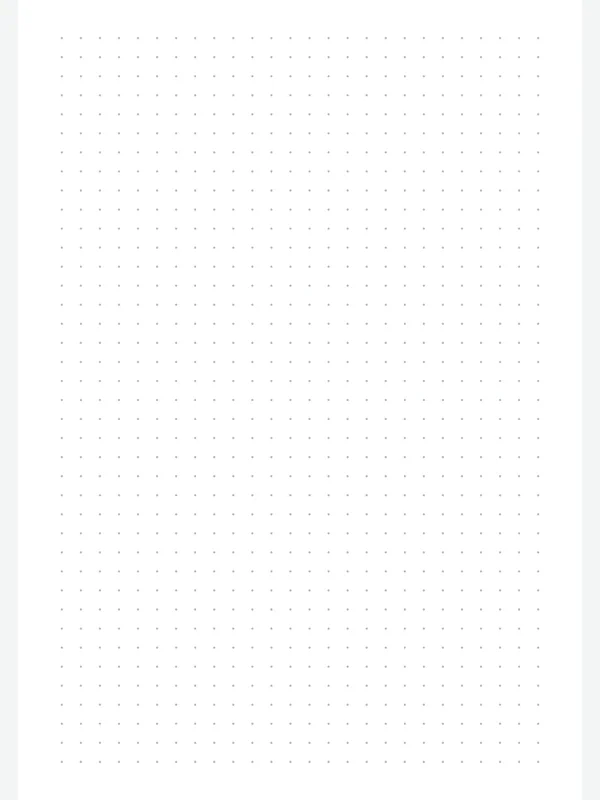 A5 dot grid journal pageBullet journal sizeEdit free PDF · PNG · Letter / A4
 Narrow ruled paper1/4 inch lines for small writingEdit free PDF · PNG · Letter / A4
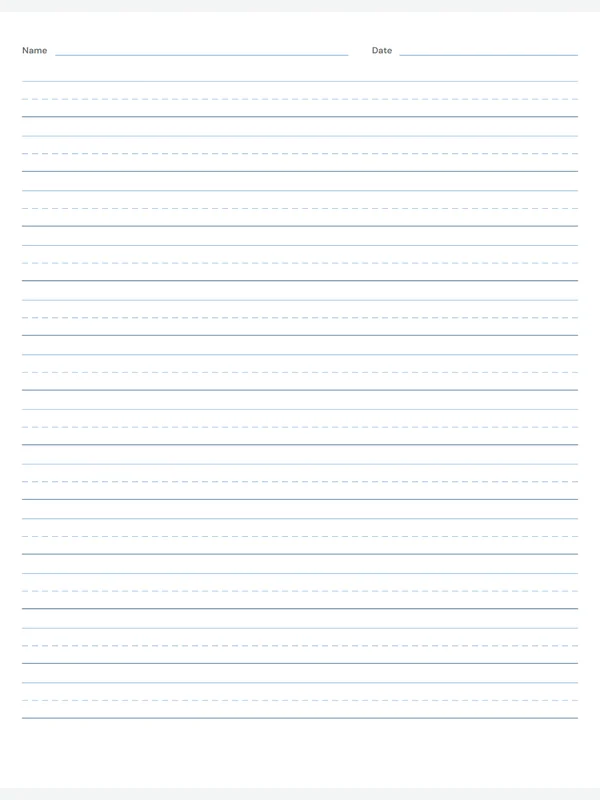 Kids handwriting paper1/2 inch rows with a name lineEdit free PDF · PNG · Letter / A4
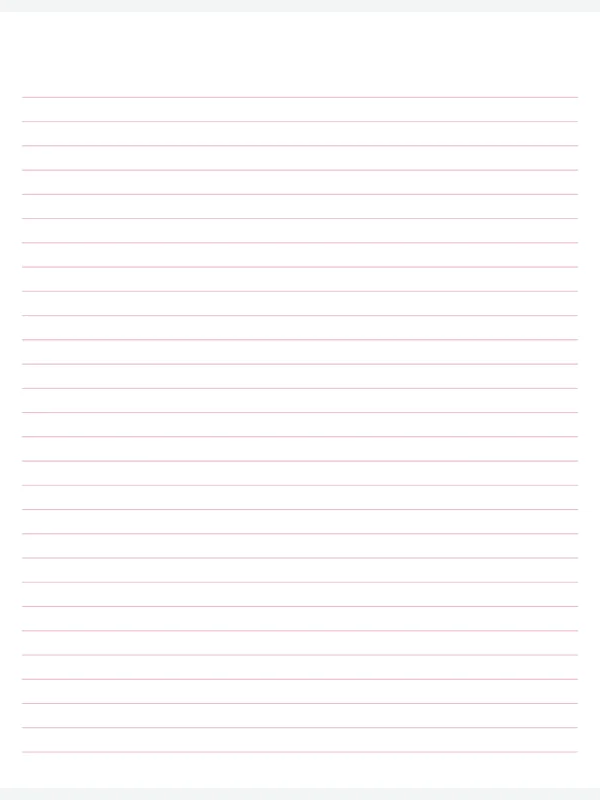 Letter writing paperSoft pink lines, no marginEdit free PDF · PNG · Letter / A4
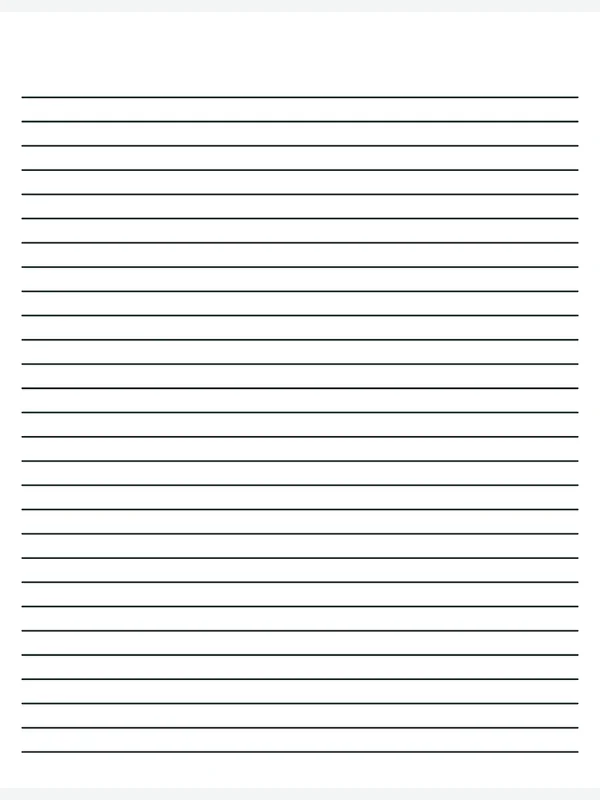 Bold lined paperDark, thick lines that are easy to seeEdit free PDF · PNG · Letter / A4
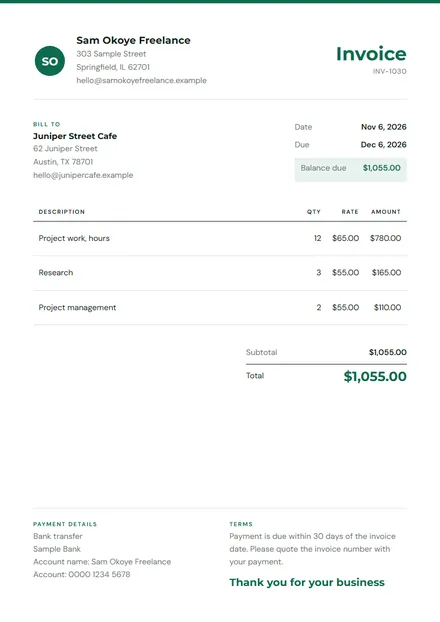 Invoice generatorFill in, pick a design, save a PDFEdit free PDF · Letter / A4
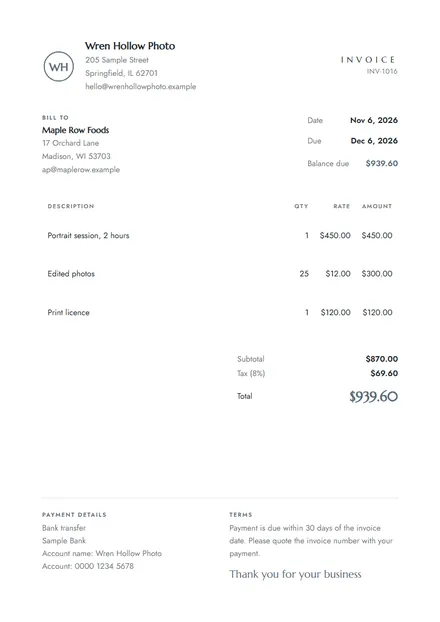 50 invoice templatesFilled in for your kind of workEdit free PDF · Letter / A4
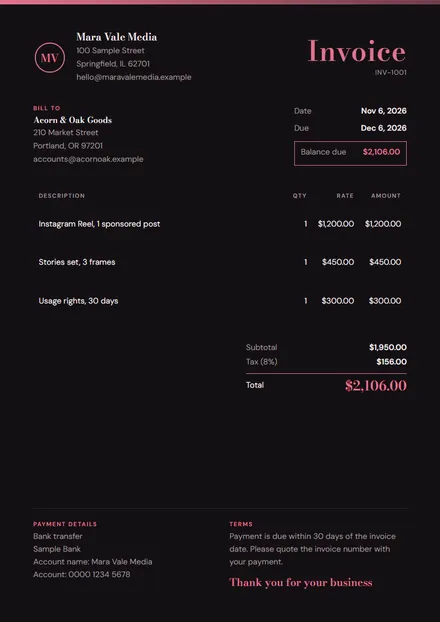 Influencer invoice templateBrand deals and sponsored postsEdit free PDF · Letter / A4
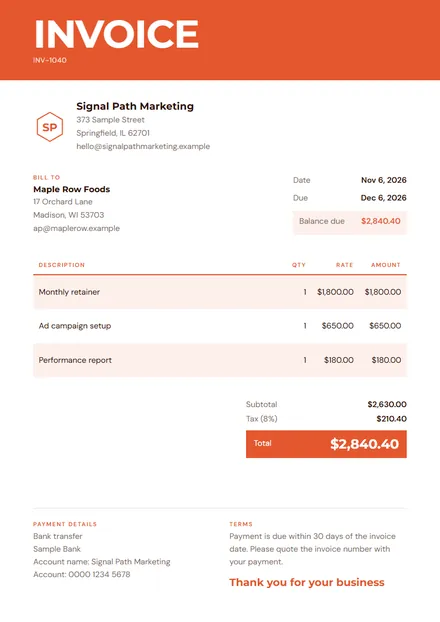 Marketing invoice templateCampaigns and retainersEdit free PDF · Letter / A4
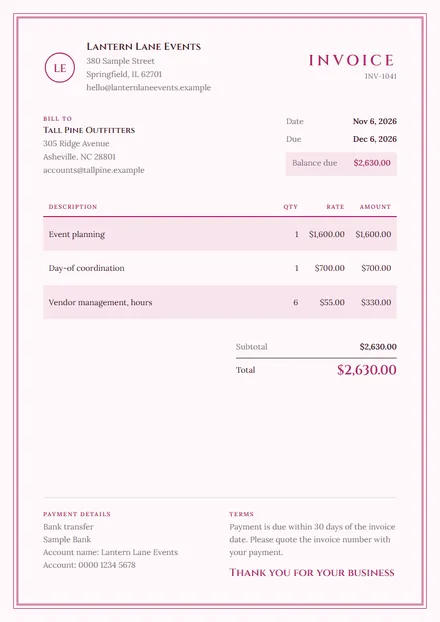 Event invoice templatePlanning and on-the-day feesEdit free PDF · Letter / A4
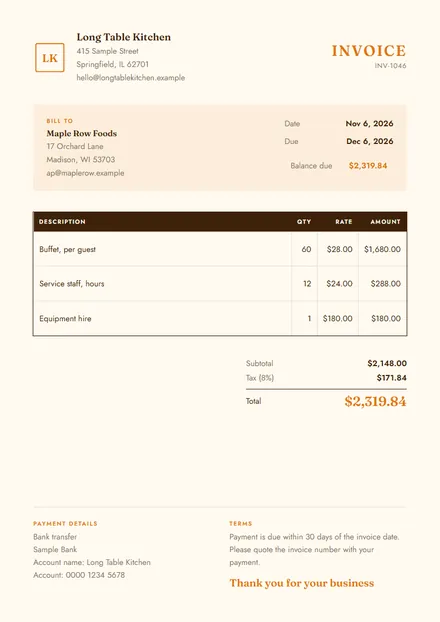 Catering invoice templateMenus, guests and serviceEdit free PDF · Letter / A4
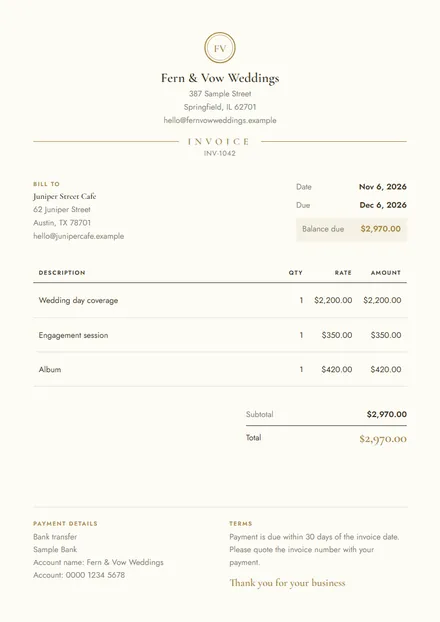 Wedding vendor invoicePackages and depositsEdit free PDF · Letter / A4
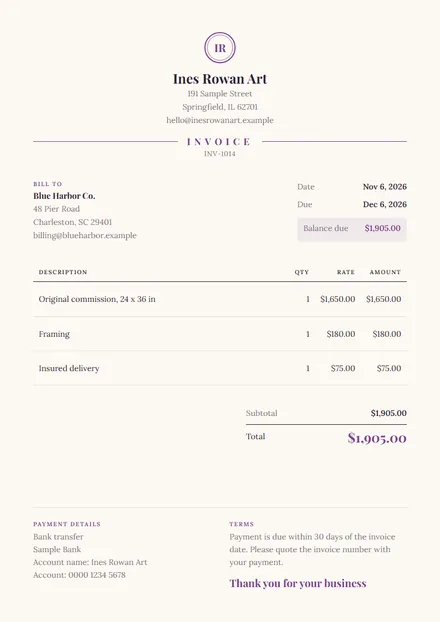 Artist invoice templateCommissions and printsEdit free PDF · Letter / A4
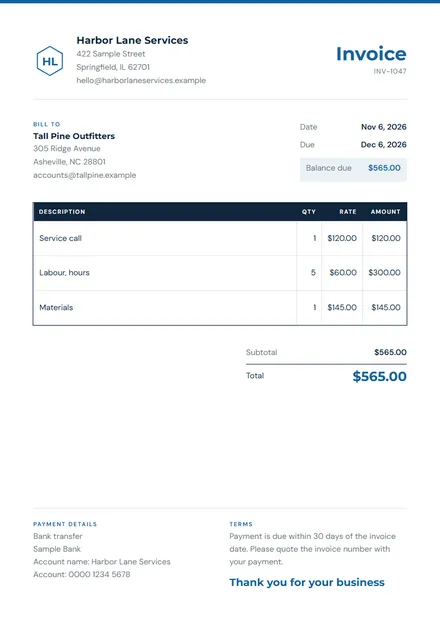 Services invoice templateHourly or by the jobEdit free PDF · Letter / A4
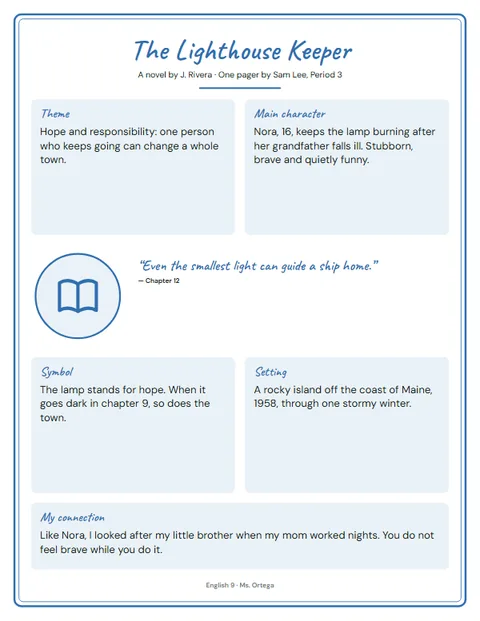 Book one pagerQuote, theme, symbol, borderEdit free PDF · Letter / A4
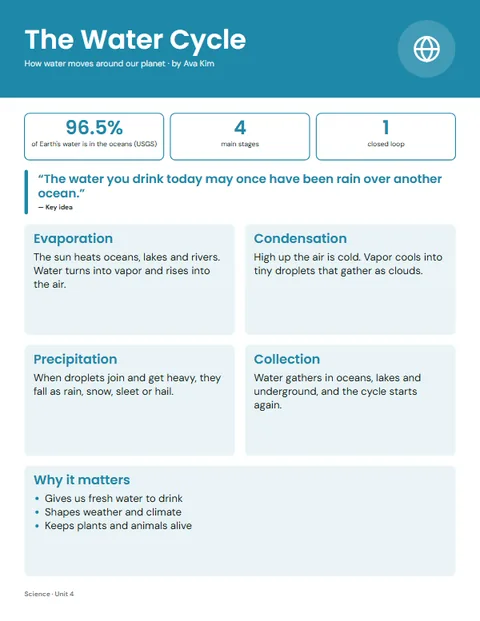 Science one pagerAny school topicEdit free PDF · Letter / A4
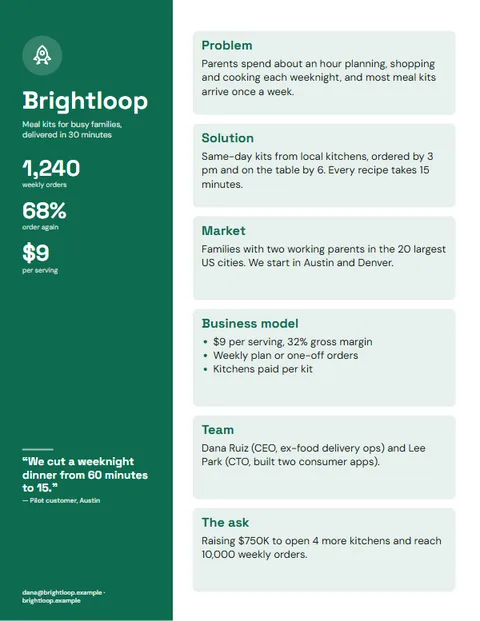 Business one pagerProblem, numbers, the askEdit free PDF · Letter / A4
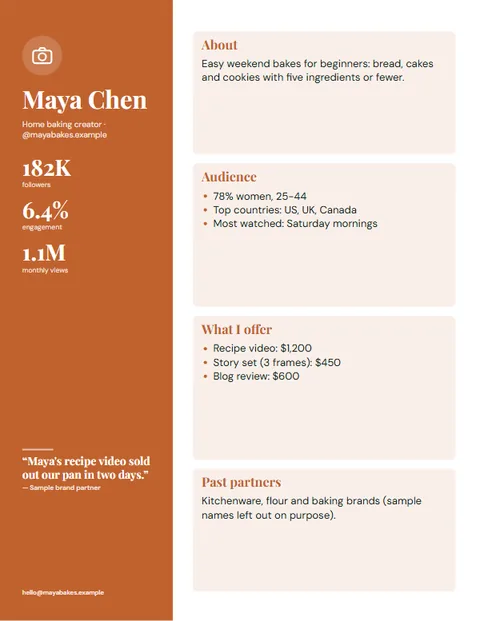 Creator media kitOne page for brand dealsEdit free PDF · Letter / A4
What is a digital template?
A digital template is a ready-made file you fill in instead of starting from a blank page: a calendar, a planner, notebook paper, an invoice. Here, each one opens in your browser so you can change the year, colours, sizes and text first, then download a PDF to print or a PNG for your screen.
Every template is a tool, not a fixed file
Most template sites give you one fixed PDF. These are built to be changed:
- Printable calendar: any month or year, the year on one page, all 12 months or a weekly planner, US or UK holidays and your own dates. Or start from a month: January 2027, December 2026, or the 2027 calendar.
- Graph paper: square, dot, isometric or hexagon grids in any size and colour, true to scale.
- Lined paper: college, wide and narrow ruled, handwriting paper and Cornell notes.
- Invoice generator and 50 invoice templates for freelancers and small businesses.
Digital template formats, explained
| Format | Opens in | Best for |
|---|---|---|
| Any browser, Adobe Reader, GoodNotes, Notability | Printables, planners, worksheets | |
| PNG / JPG | Any device, Word, Google Docs, Canva | Wallpapers, social posts, slides |
| Canva template | Canva (a link that copies the design) | Social media, flyers, ebooks |
| Notion template | Notion (duplicated into your workspace) | Trackers, dashboards, planners |
| Google Sheets / Excel | Google Sheets, Microsoft Excel | Budgets, bookkeeping, trackers with formulas |
| Word / Google Docs | Microsoft Word, Google Docs | Résumés, letters, contracts |
For digital planner templates on a tablet, use a PDF: it opens in note apps that let you write on it with a pen, and it looks the same on every device.
Make your own templates and sell them
- Find one job to solveLook at what your audience asks about: meal planning, client invoices, content calendars. A template for one clear job sells better than a general one.
- Design it in a tool you knowCanva for visual templates, Google Sheets for anything with sums, Notion for systems, or a design app for printables.
- Test it with real peopleGive it to three people who fit your buyer. Wherever they get stuck, add an instruction or simplify the design.
- Package it properlyExport the format buyers expect, add a short how-to page and say what the licence allows, such as personal use only.
- Show it in usePreview images of the template filled in sell better than the blank file.
- Price and list itStart with one product, then bundle related templates at a higher price.
Where to sell digital templates
Marketplaces such as Etsy bring shoppers who are already searching, but charge a fee to list each item and a cut of every sale; work out what you keep with the Etsy fee calculator.
Your own shop keeps the customer relationship and more of each sale. With Sellwares, buyers get their files the moment they pay, the money goes straight to your Stripe or PayPal, and there is 0% transaction fee on every plan. The free plan is €0 a month for up to 3 products.
Digital templates FAQ
What are digital templates?
Ready-made files you download or open online and fill in with your own details: calendars, planners, notebook paper, invoices, social media posts, résumés and more. You change the content and keep the design.
Are these digital templates really free?
Yes. Every template here is free to edit, download and print as often as you like, with no sign-up, no watermark and no ads.
Which format should I choose, PDF or PNG?
PDF for printing: it keeps the exact page size, so lines and boxes print true to size. PNG for screens: a phone wallpaper, a slide, or an image to drop into Word, Google Docs or Canva.
Can I use these as a digital planner on an iPad?
Yes. Download the PDF and open it in GoodNotes, Notability or any PDF app, then write on it with a stylus. Duplicate pages in the app for as many as you need.
How do I create digital templates to sell?
Pick one job your buyers struggle with, design a template that solves it in a tool you know (Canva, Google Sheets, Notion or a design app), test it with a few real users, then save it as the format buyers expect and write clear instructions. List it with preview images that show it in use.
Where can I sell digital templates?
On marketplaces such as Etsy, which bring buyers but charge listing and transaction fees, or from your own shop. With Sellwares you sell from your own store with 0% transaction fee and instant delivery, paid straight to your Stripe or PayPal.
Can I sell the templates I make with these tools?
These tools are for making pages for your own home, school or business use. To sell templates, design your own: then they are yours to license and sell.
What is the difference between a Canva template and a PDF template?
A Canva template is a link that opens a copy of the design in Canva, where the buyer edits it online. A PDF template is a finished file to print or write on. Canva templates suit social media and documents; PDFs suit printables and planners.

Written by
Simon William Founder
Founder of SellWares.com
Simon is the visionary founder of Sellwares, where he leverages a decade of deep experience in software development and technical project management. With a strong track record at both industry giants like Spotify and nimble startups, he has successfully directed complex tech projects from conception to launch. Simon's unique blend of software engineering acumen and strategic product management enables him to build intuitive, scalable platforms that bridge technical possibilities with genuine market needs, earning him trust as a reliable voice in E-commerce and technology solutions.
- E-commerce Platform Development
- Software Architecture
- Technical Product Management
- Scalable Cloud Solutions
- UI/UX Design for E-commerce